
Collections
Group routes into trips, training blocks, or wishlists.
Collections group saved routes into ordered lists: a cycling holiday, a training block, a "want to ride" wishlist. A route can be in any number of collections, and a collection only references routes, so removing a route from a collection never deletes the route itself.
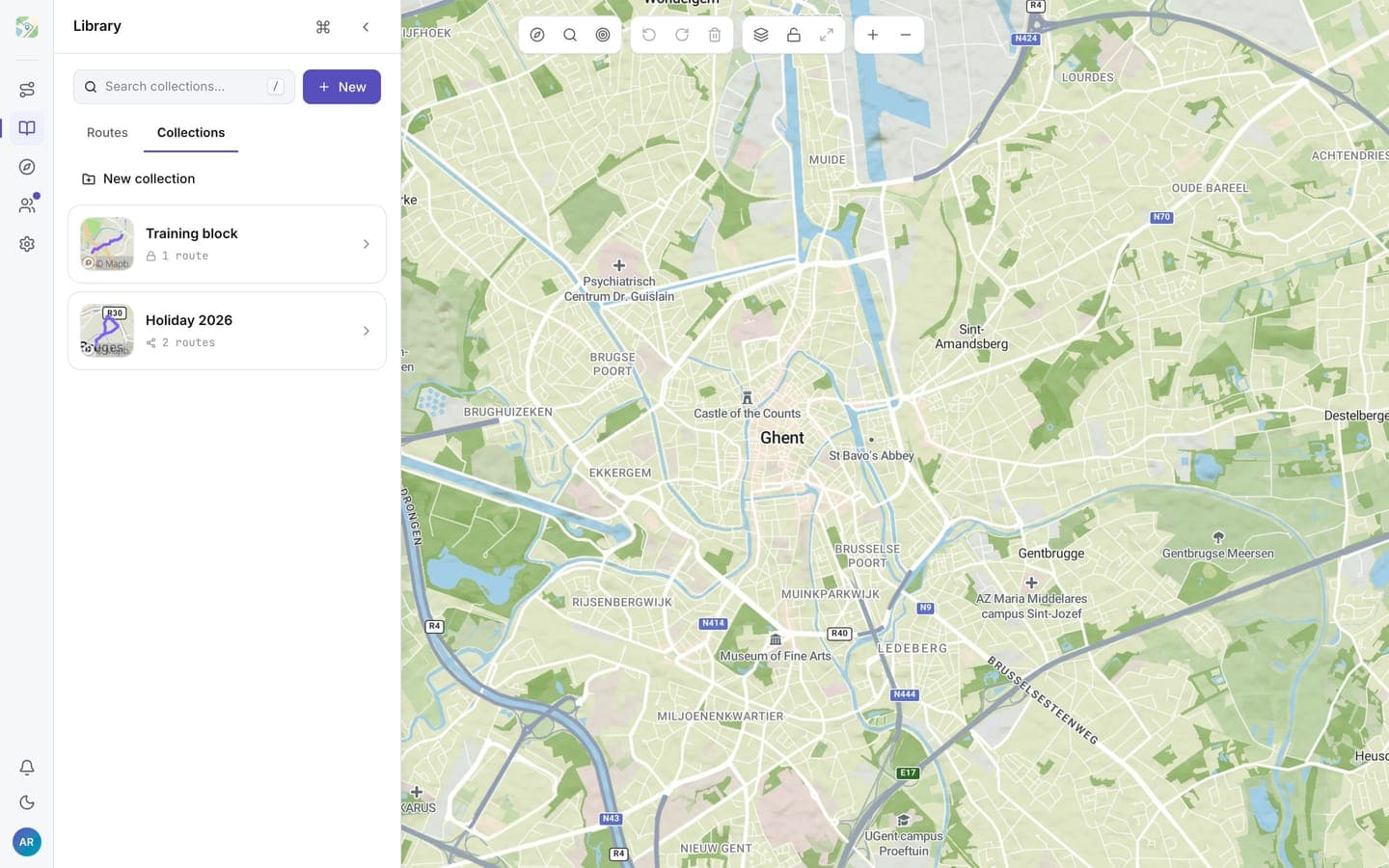
Create a collection
Open the Collections tab in your library and click New collection. Type a name and press Enter.
Add and arrange routes
Open a collection and use Add routes to pick from your library, or use Add to collection in a route card's menu from the Routes tab. Drag the grip handle on a row to reorder; on a phone, press and hold the handle, then drag.
Share a collection
Use the collection's share action to copy a link. Sharing makes the collection unlisted: anyone with the link can view it, including people without an account, but it isn't listed anywhere public. The link shows the collection's routes; private routes inside it stay hidden from others.
Delete a collection
Use the delete action and click again to confirm. The routes inside it stay in your library.