
Discover
Browse public routes from the community on the map.
Discover shows public routes from the community for whatever part of the map you're looking at. Open it from the left rail (or the bottom tab bar on mobile). Browsing works without an account.
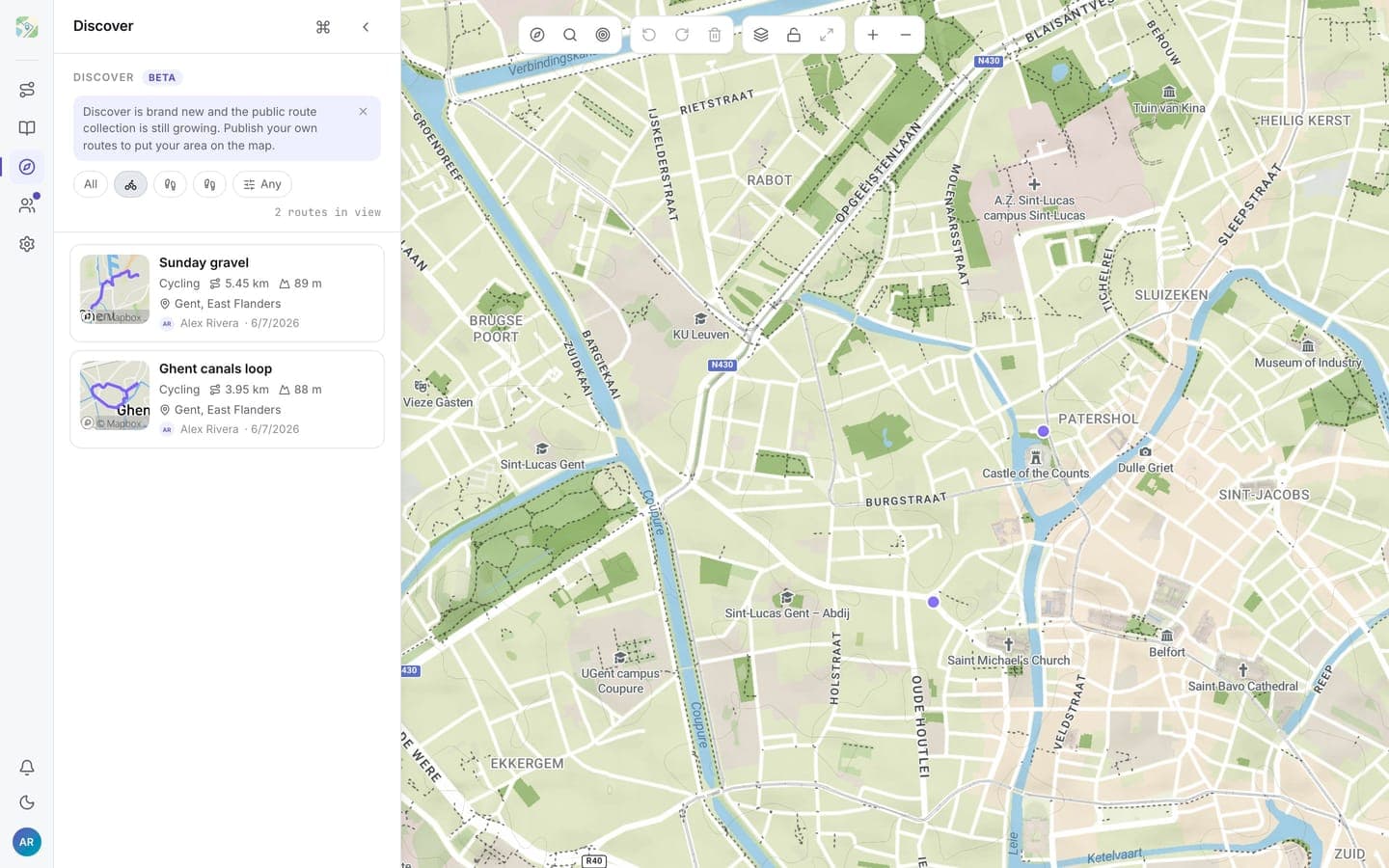
The map is the search
Pan or zoom anywhere and the list refreshes to the routes in view, newest first, up to 50 at a time. There is no search button: moving the map is the query.
Two filters narrow the list:
- Activity: All, Cycling, Running, or Walking
- Distance: any distance, or a band (under 5 km, 5 to 15 km, 15 to 50 km, over 50 km)
A counter shows how many routes are in view.
Route cards
Each result shows the route's name, activity, distance, elevation gain, a map thumbnail, the author, and where the route starts (city and region, derived automatically from the start point). Hovering a card on desktop highlights that route on the map.
Clicking a card opens the route's public page with the full map, stats, and a GPX download. Sign in there to save a copy into your own library.
Getting your routes into Discover
Discover lists routes whose visibility is public. Make a route public from its detail panel in your library and it shows up for anyone browsing that area. See sharing routes for how visibility works; unlisted routes stay out of Discover.