
Map
Display options
Map and display settings that change what you see.
Open Settings from the left rail and scroll to Map & display.
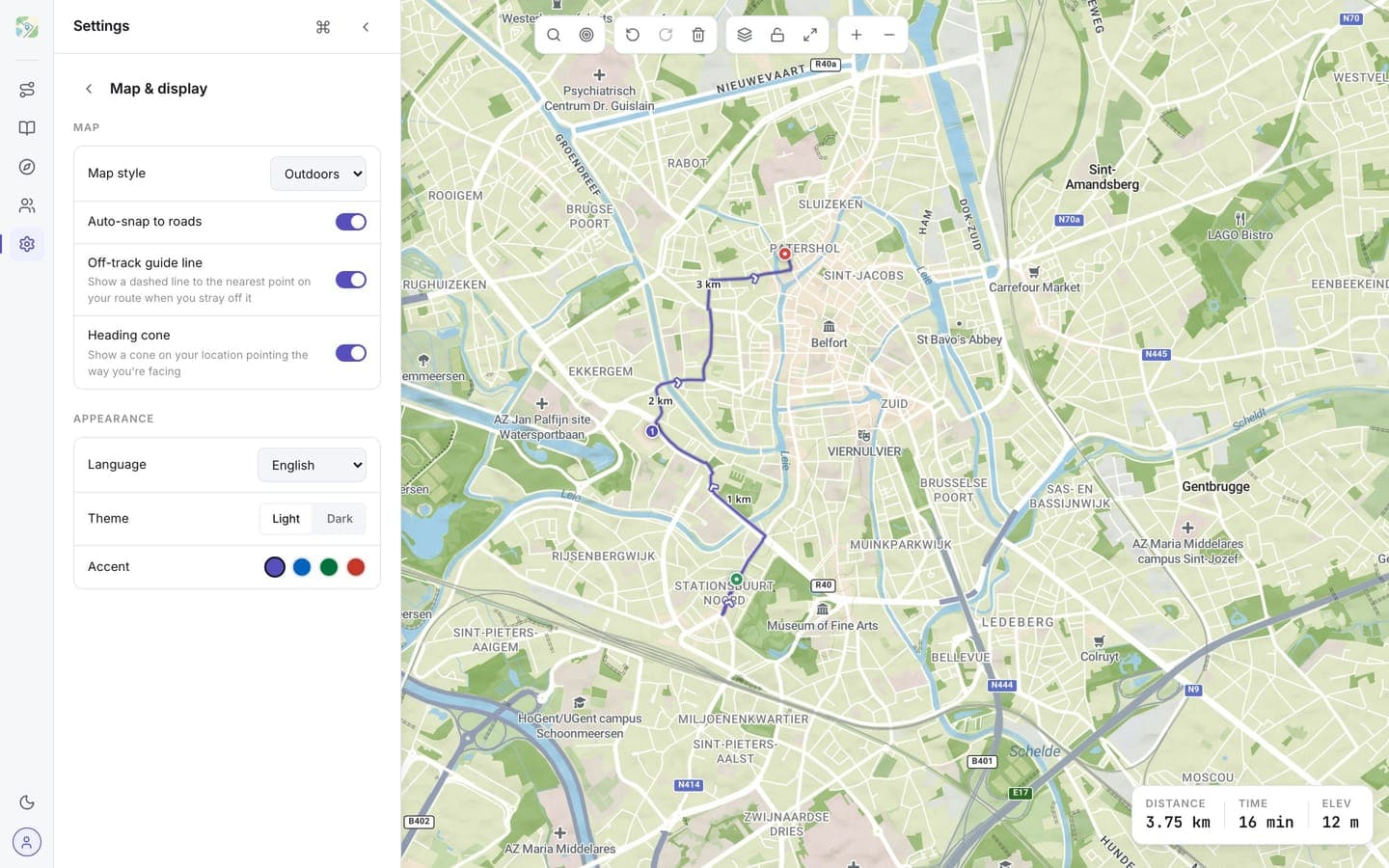
Map behaviour
- Map style: Streets, Outdoors, or Satellite (see Map styles)
- Auto-snap to roads: waypoints you drop or drag snap onto the nearest road
- Off-track guide line: shows a dashed line to the nearest point on your route when you stray off it
- Heading cone: draws a cone on your location marker pointing the way you're facing
Appearance
- Theme: light or dark, also toggled with
Ctrl/Cmd + D - Accent color: violet, cobalt, forest, or ember
Experimental
Under Advanced you'll find experimental toggles:
- Node network overlays: show numbered cycling and hiking node networks on the map. Common in Belgium and the Netherlands; useful for planning node-to-node tours.
Experimental features may change or disappear between releases.