
Account
API tokens
Create tokens for scripts, agents, and the routess CLI.
API tokens let scripts and tools work with your route library without your password. Manage them under Settings → API tokens (visible when you're signed in).
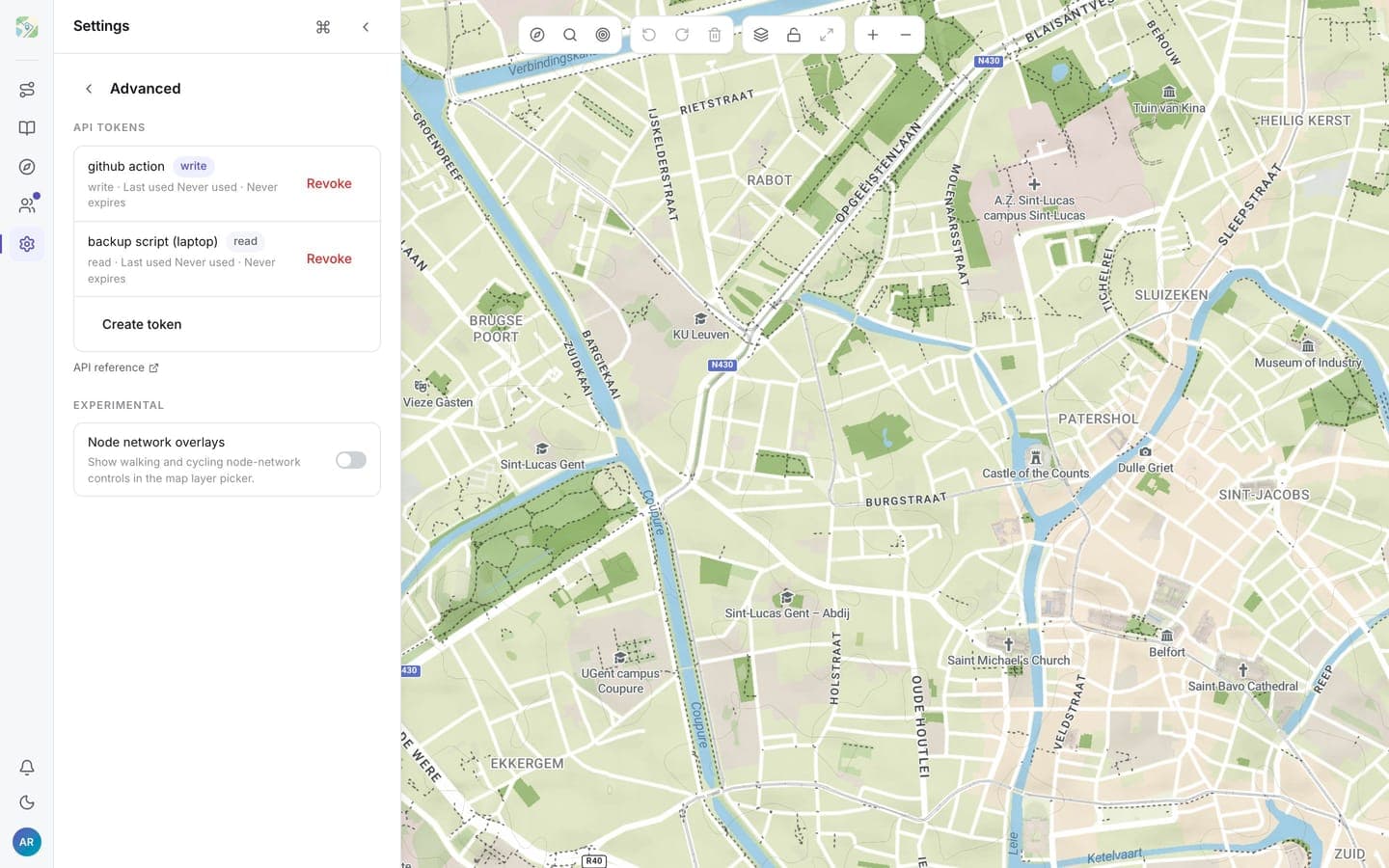
Create a token
- Click Create token.
- Give it a label you'll recognise later, e.g.
backup script (laptop). - Pick a scope:
- Read: list and inspect routes
- Write: read plus rename, change visibility, and delete
- Optionally set an expiry date. Empty means it never expires.
The token is shown once. Copy it and store it somewhere safe; if you lose it, revoke it and create a new one.
Use it
Send the token as a bearer token:
curl -H "Authorization: Bearer <your-token>" https://api.routess.com/api/v1/routesSee the API reference for every endpoint.
Revoke a token
Each token shows when it was created and last used. Revoke kills it immediately; anything still using it stops working.
Rotate tokens you no longer recognise, and prefer one token per tool so revoking one doesn't break the others.