
Account
Your profile
View and update your profile and per-sport settings.
Open Settings from the left rail to manage your profile and preferences.
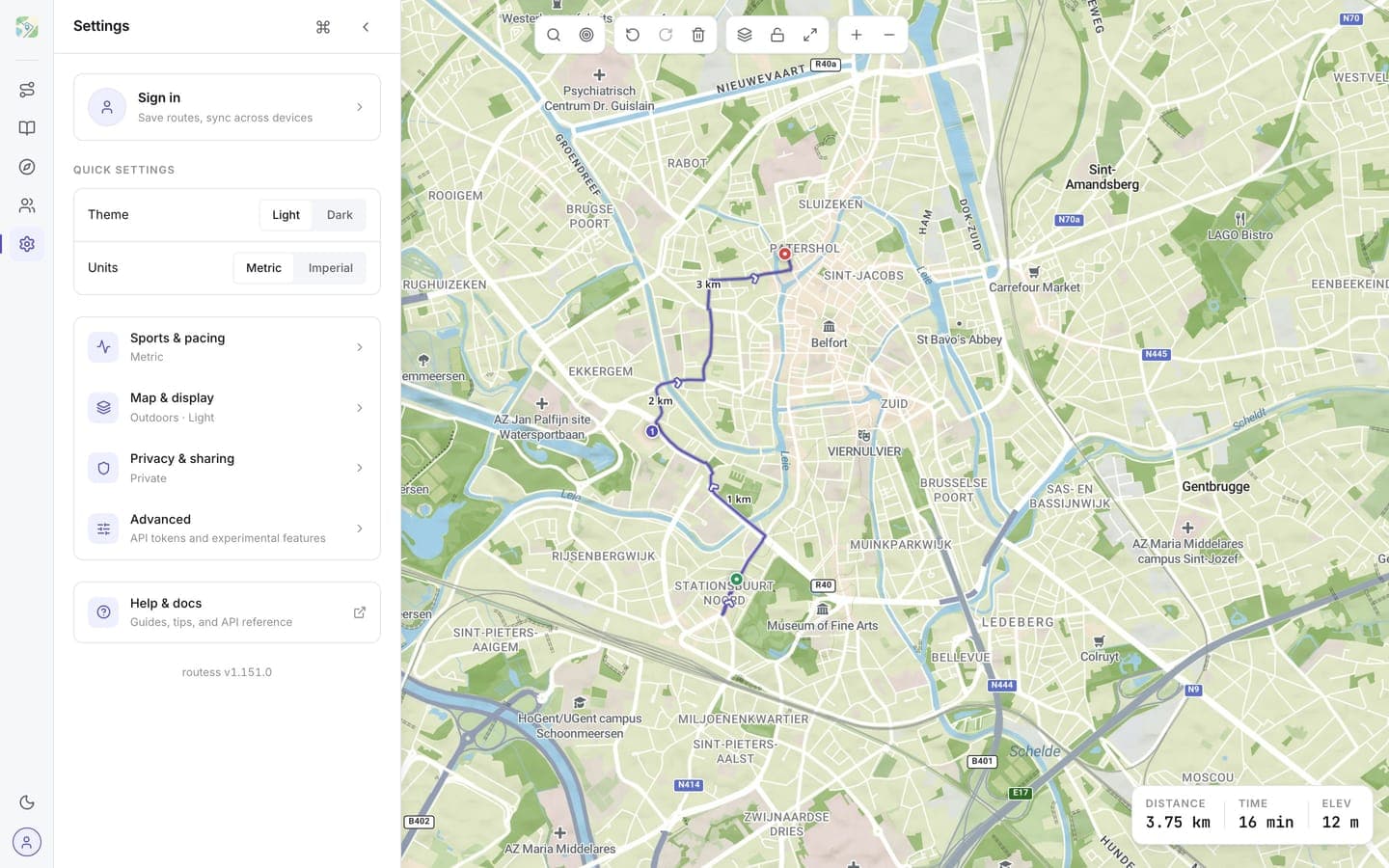
What you can edit
- Theme and units: light or dark, metric or imperial (quick settings at the top)
- Sports & pacing: which sports you plan for (walking, running, cycling) and a default pace for each
- Map & display: map style, language, accent color, and map behavior
- Privacy & sharing: default visibility for new routes
Your display name lives under your account; email is read from your sign-in method and can't be changed in routess.
Your public profile
Your account also has a public profile page at /u/your-handle, listing your public routes. The handle can be changed in Settings; see Profiles & handles.
Sports and pace
Pick one or more sports under Sports & pacing and mark one as your default for new routes. The currently-selected sport drives duration estimates on your routes. Each sport has its own default pace; override it if it doesn't match how fast you actually move. The change applies the next time the route is recalculated.