
Account security
Passwords, sessions, and signing out everywhere.
Open your account page from the avatar at the bottom of the left rail.
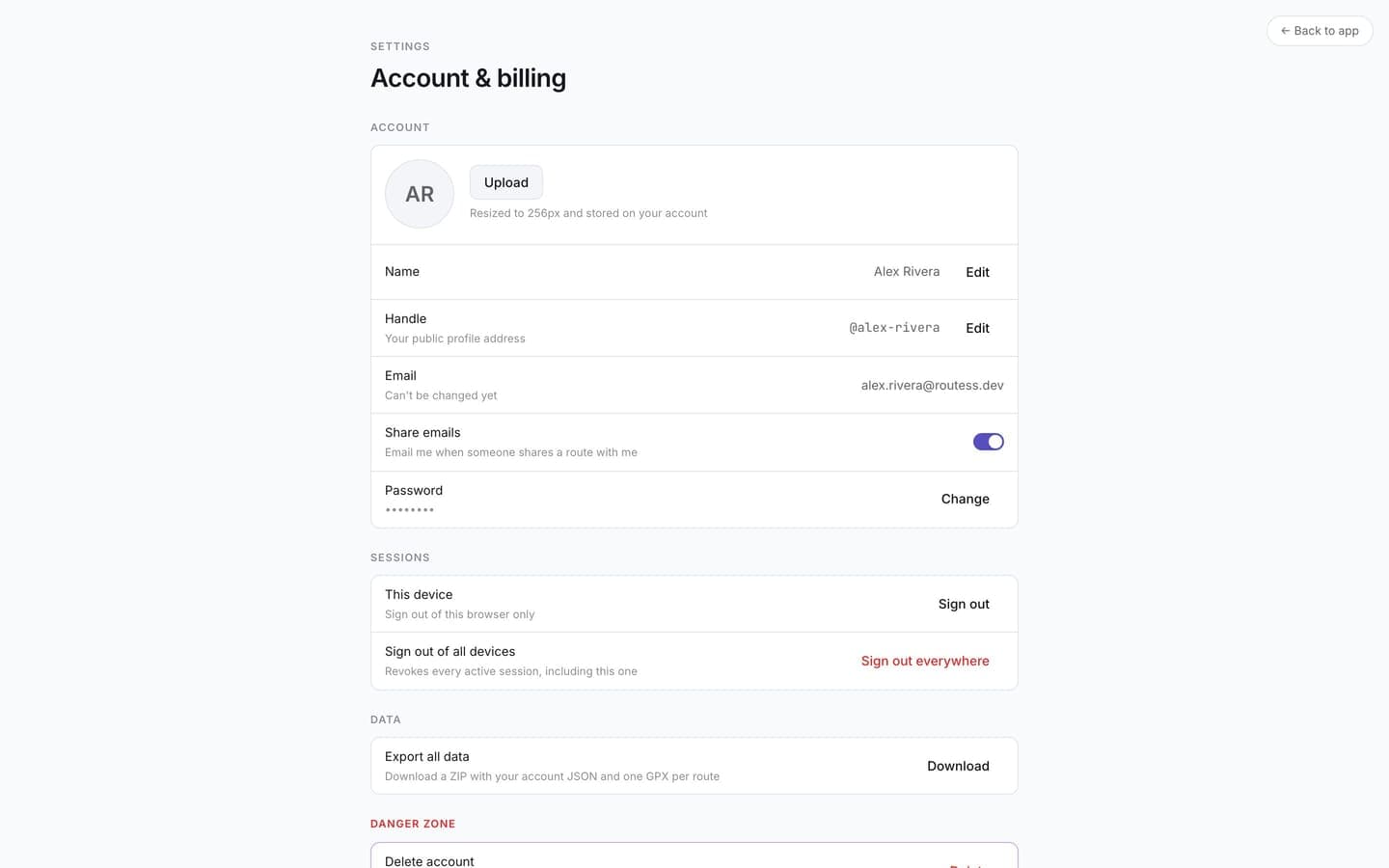
Password
If you signed up with Google you can still set a password, so email + password works as a second way in. If you already have one, change it from the same place. Passwords must be at least 12 characters.
Forgot it? Use Forgot password on the sign-in screen; the reset link arrives by email.
Sessions
The Sessions section shows this device. Signing out from the menu only ends the current session.
Sign out of all devices
Under Security, Sign out of all devices revokes every active session, including the one you're using. Use it if you signed in on a shared computer or suspect someone else has access. You'll need to sign in again afterwards.
For scripted or third-party access to your library, use API tokens instead of your password.