
Account
Deleting your account
Permanently delete your routess account and all your routes.
You can delete your routess account at any time. This is permanent and irreversible.
What gets deleted
- Your profile
- All your saved routes
- Your sign-in association with Google
How to delete
- Open the menu → Profile
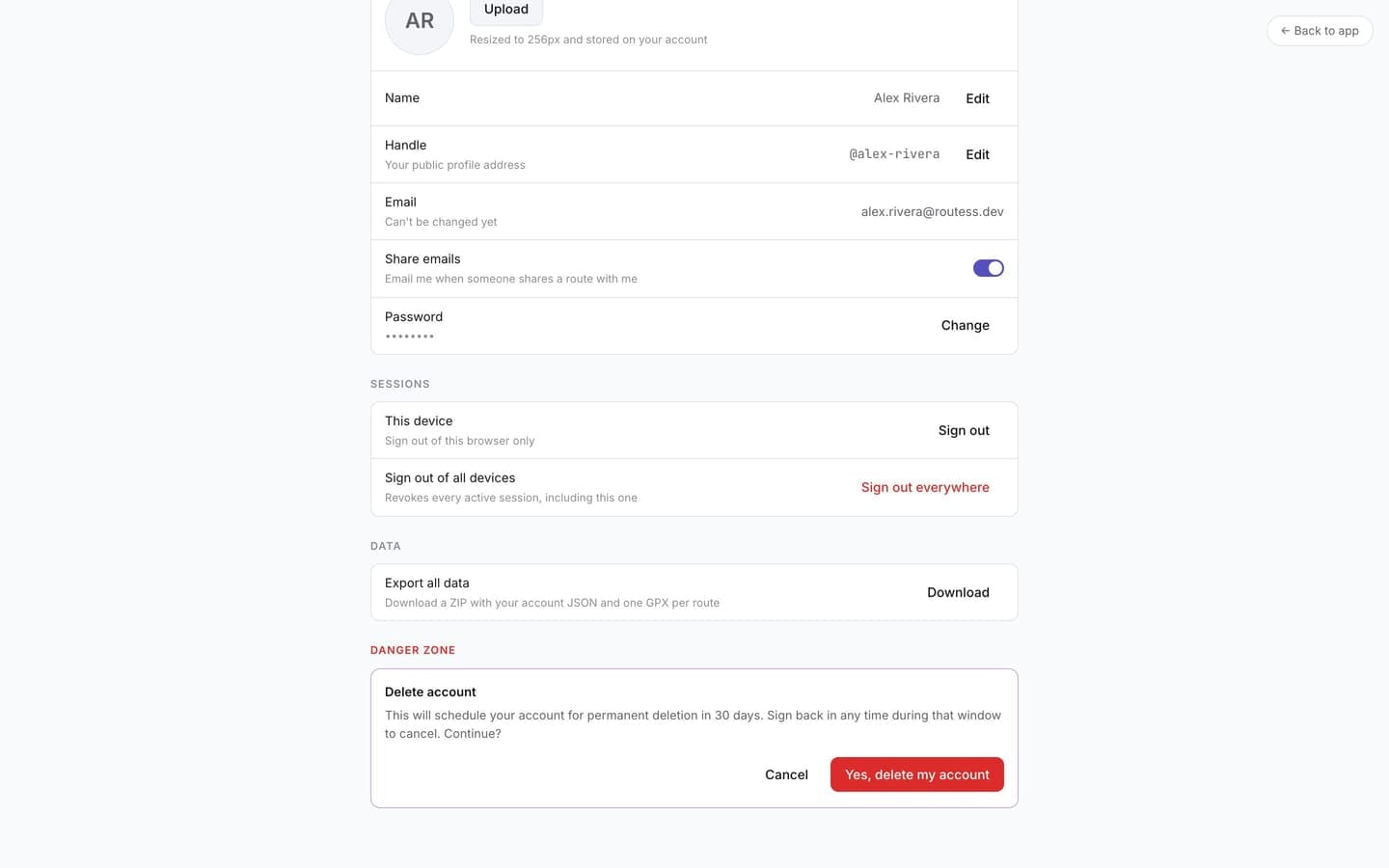
- Scroll to Danger zone
- Click Delete account and confirm
After deletion, signing in with Google again creates a fresh account with no history.