
Profiles & handles
Your public profile page and the handle that names it.
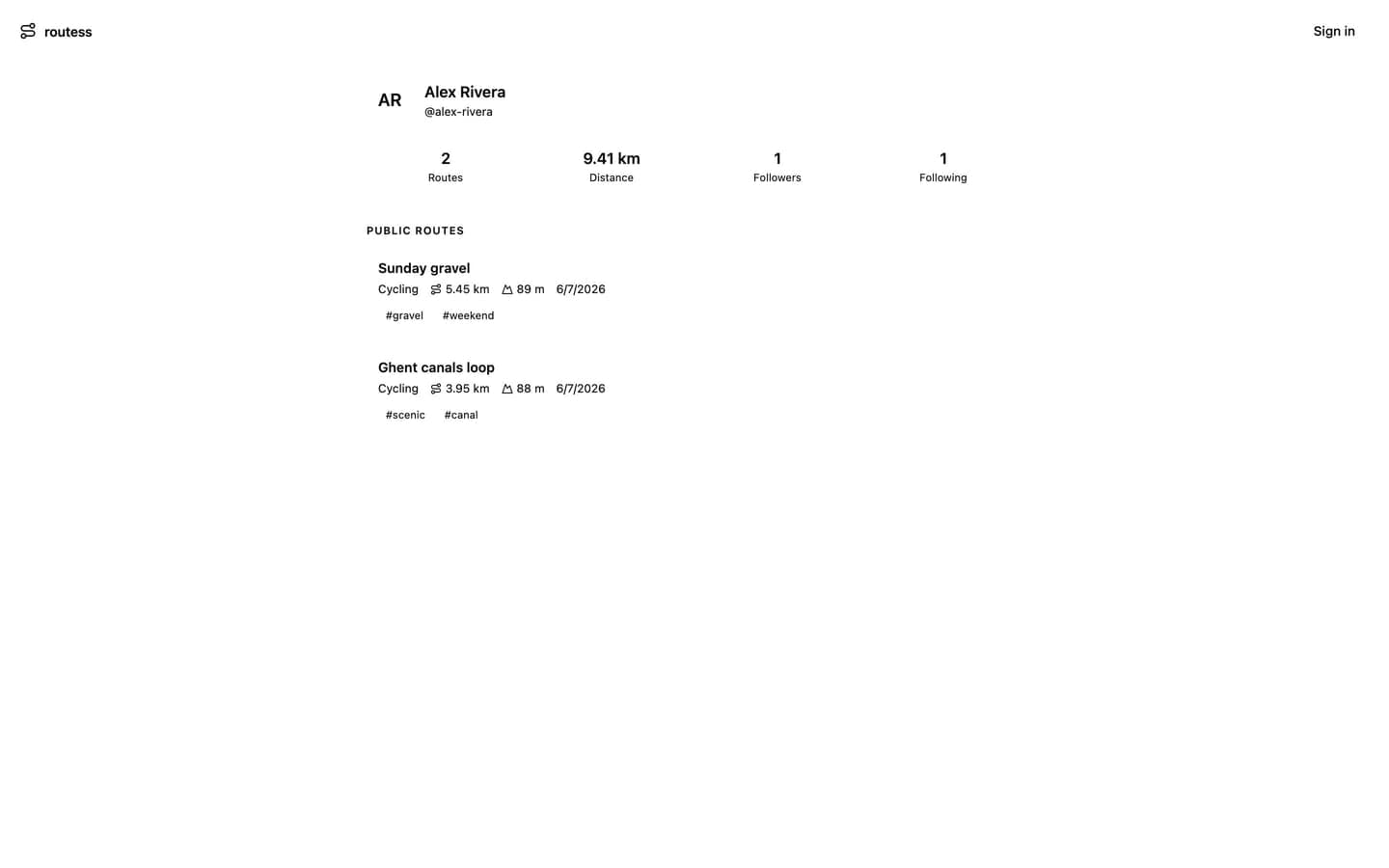
Every routess account has a profile: a public page showing your name, avatar, and your public routes only. Private and unlisted routes never appear on it, no matter who is looking.
Your handle
Your handle is your unique name on routess, generated from your display name when the feature launched (never from your email). It's lowercase letters, digits, and hyphens, 3 to 30 characters.
Your profile lives at app.routess.com/u/your-handle. You can change the handle in Settings; note that links to the old handle stop working, and the freed handle becomes available to others.
What's on a profile
- Name, handle, and avatar
- Stats computed over public routes: route count, total distance
- Follower and following counts
- The list of public routes
Anyone can view a profile, signed in or not. Follower counts are public; the actual list of who follows whom is visible only to you on your own profile.
Sharing your profile
Just send the URL. To get routes onto it, set their visibility to public in the route details.
Next: Follow & feed.