
Follow & feed
Follow other people and see their newly published routes.
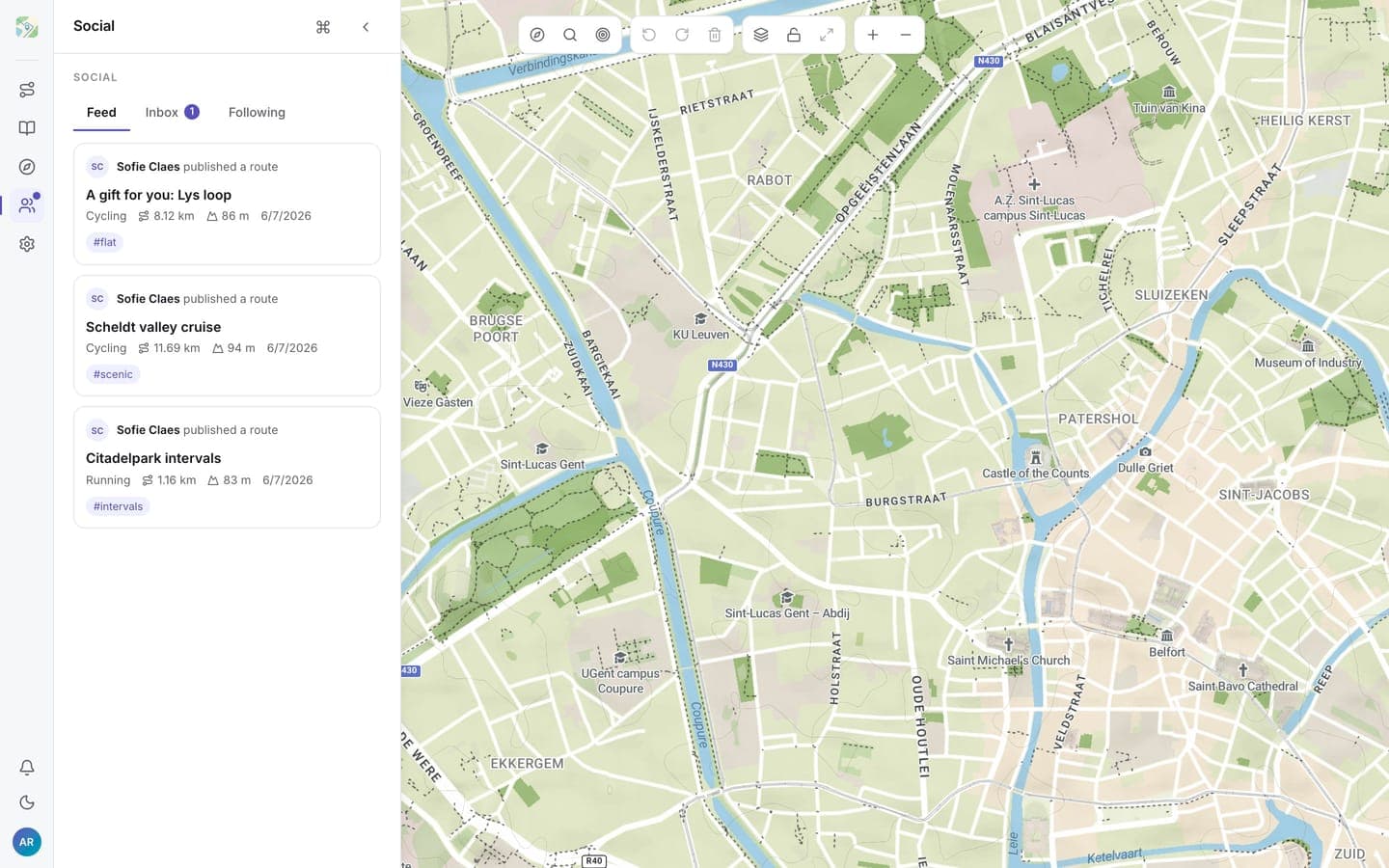
Open Social from the left rail (or bottom tab bar). It has three tabs: Feed, Inbox, and Following. All of them need an account.
Following someone
In the Following tab, search people by name or handle and click Follow. Following is one-directional and immediate: no approval step, and they don't have to follow you back. Unfollow any time from the same tab or from their profile.
The feed
The Feed tab lists routes published by the people you follow, newest first. A route enters the feed when it first becomes public; toggling visibility back and forth doesn't re-publish it, so nobody can spam the feed.
From a feed entry you can open the route, or jump to the publisher's profile.
What following does not do
Following someone never grants access to their routes: you see exactly the routes any visitor to their profile sees, the public ones. To hand a specific route to a specific person, use the inbox instead.