
Getting Started
Keyboard shortcuts
Every keyboard shortcut in routess.
All shortcuts use Ctrl on Windows and Linux, Cmd on macOS.
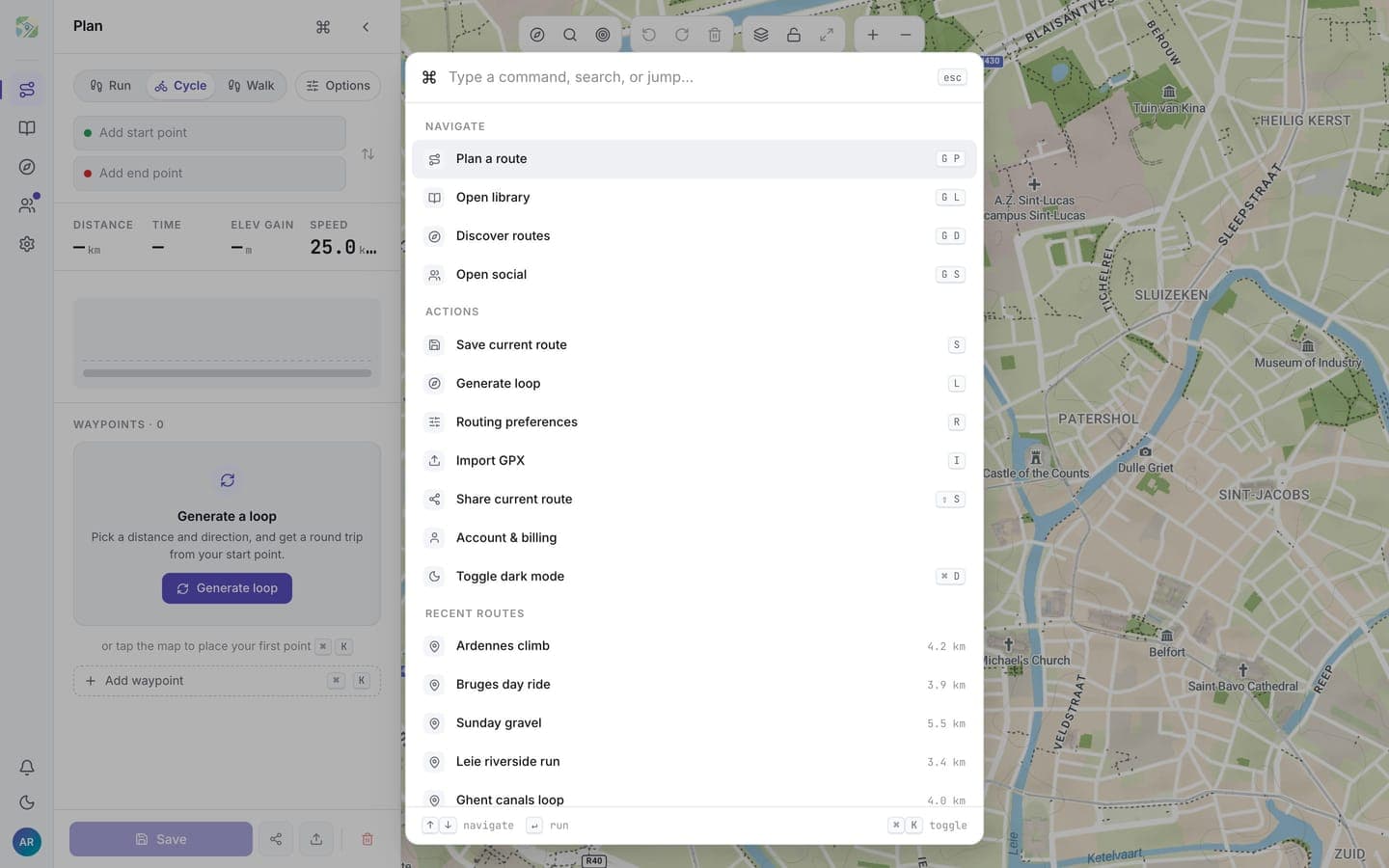
| Shortcut | Action |
|---|---|
Ctrl/Cmd + Z | Undo the last route edit |
Ctrl/Cmd + Shift + Z | Redo |
Ctrl/Cmd + K | Open the command palette |
Ctrl/Cmd + D | Toggle dark mode |
Esc | Close the open modal |
The command palette is the fastest way to jump to actions without reaching for the mouse: open it and start typing.