
Getting Started
Your first route
Plan your first route in under 3 minutes.
Let's plan a quick route from scratch.
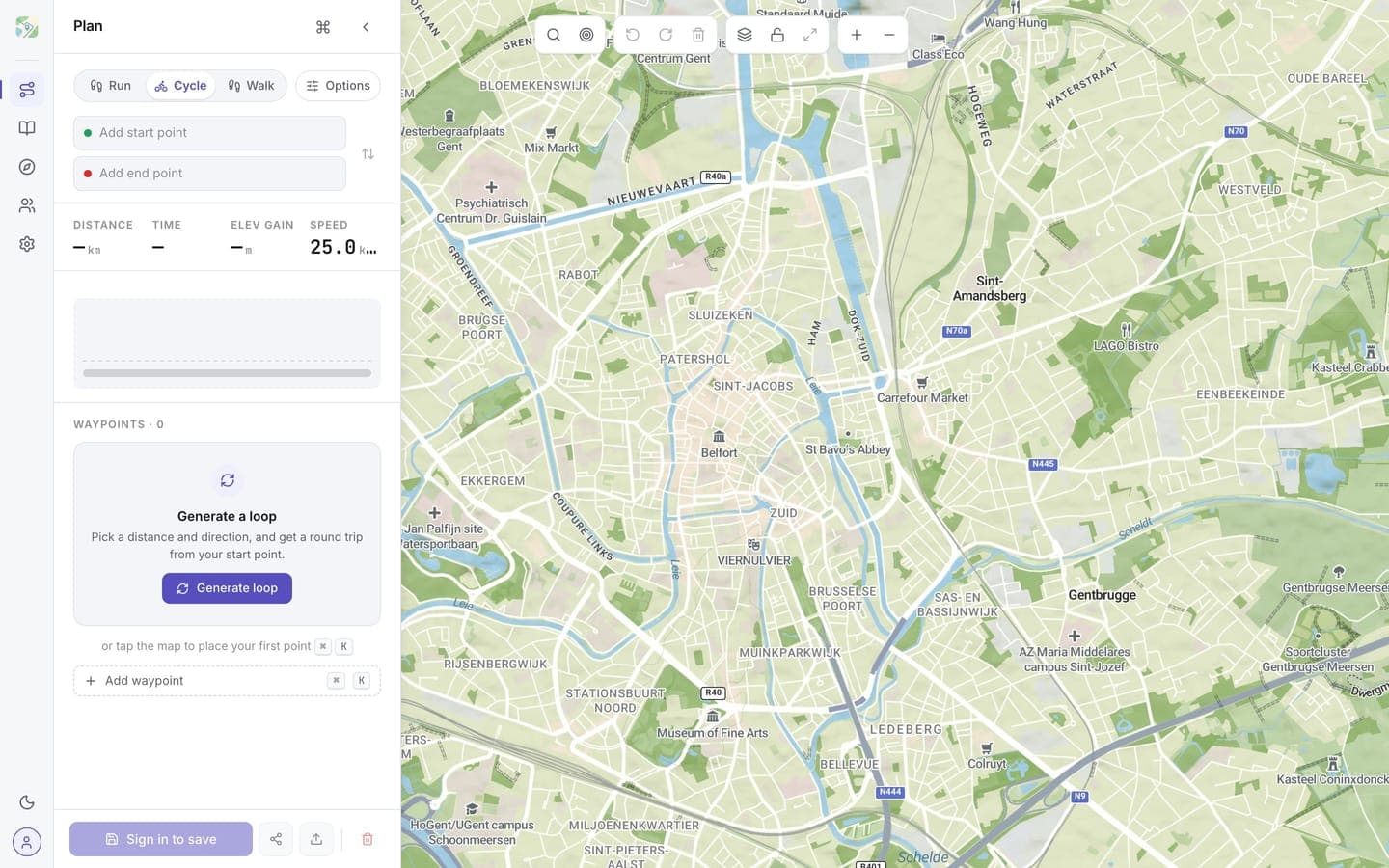
1. Click your starting point
Click anywhere on the map. A waypoint appears: that's your starting point. The first waypoint is shown in green.
2. Add waypoints
Click again to add the next waypoint. routess connects your waypoints with a line and shows the total distance and duration in the sidebar.
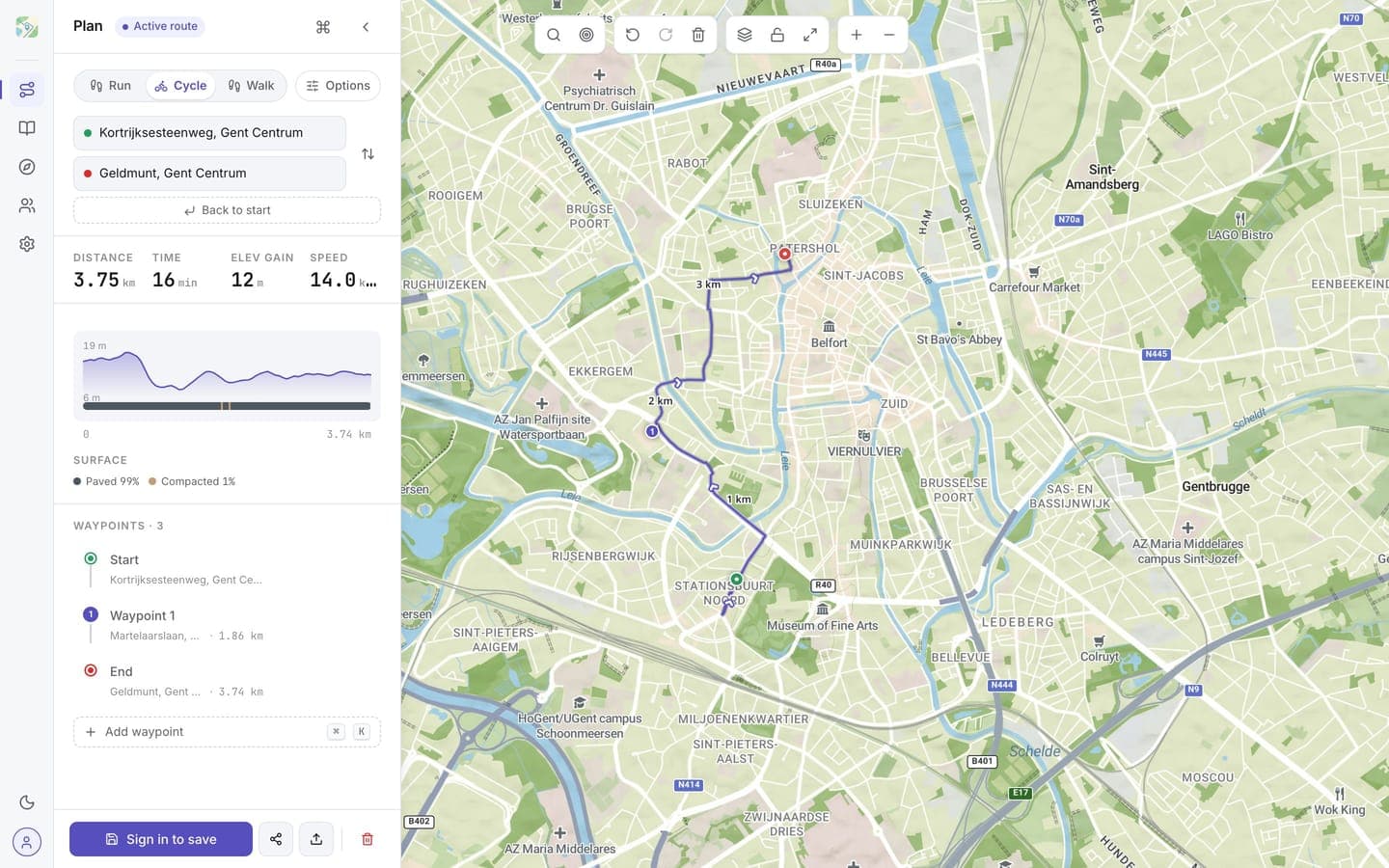
3. Reorder by dragging
Drag any waypoint to reorder it. The route updates instantly.
4. Undo a mistake
Made a wrong click? Hit Undo (or Ctrl/Cmd + Z). You can step backwards through every change you made.
5. Save your route
Routes save automatically once you're signed in. Refresh the page and your route is still there.
Next steps
- Learn the editing tools in Routes → Editing routes
- Customize the look in Map → Styles