
Getting Started
First-run setup
What the welcome screen asks and why.
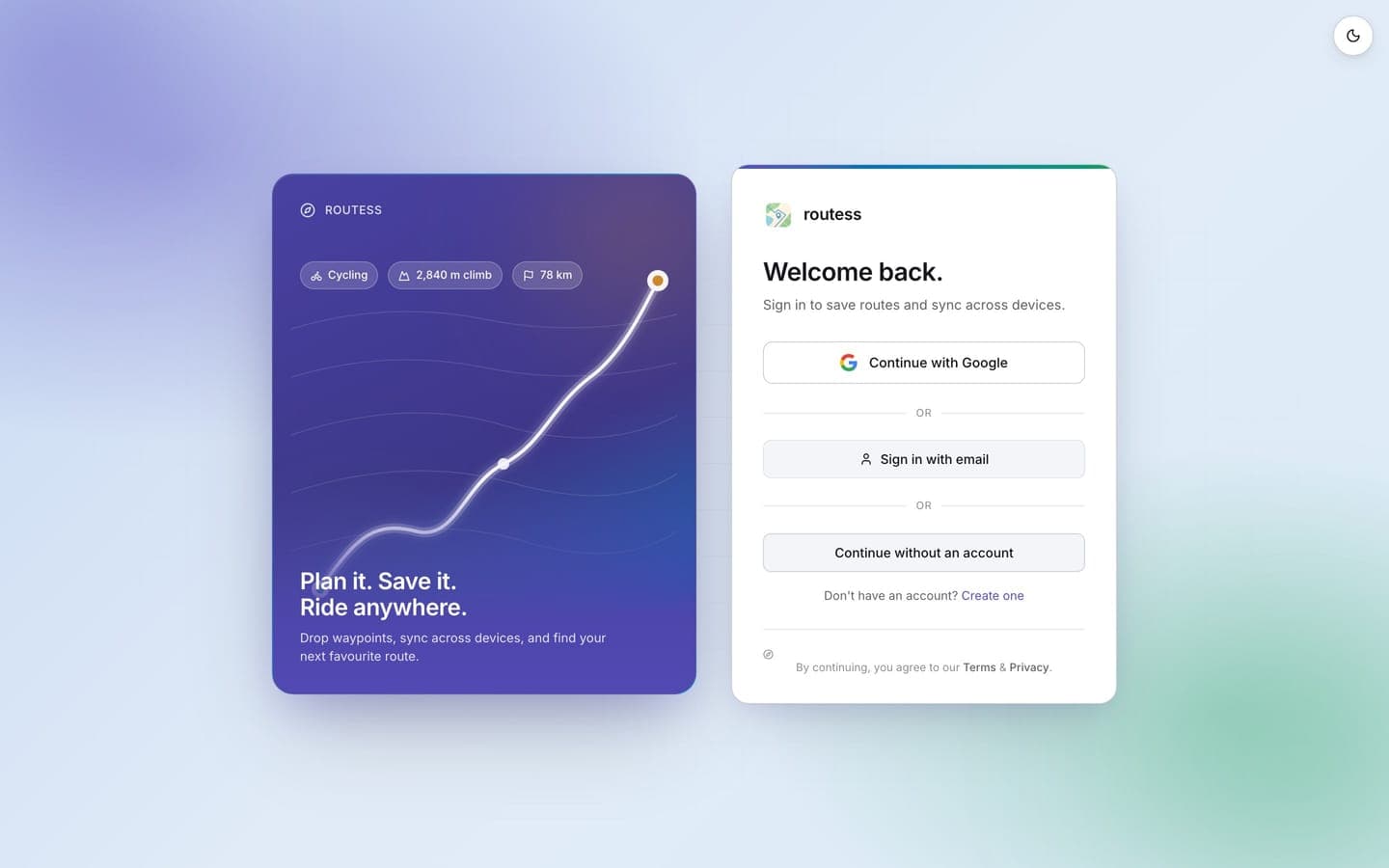
The first time you open routess it walks you through a short setup. Every answer can be changed later in Settings.
- Pick your default sport(s): walking, running, or cycling. The default sport drives new routes.
- Choose your units: metric or imperial, applied to every distance, elevation, and pace you'll see.
- Your average pace: a typical speed per sport, used to estimate route durations.
- Pick your map style: Streets, Outdoors, or Satellite (see Map styles).
- Allow location access?: optional; used to center the map on you. See Your location.
You can sign in right away or continue without an account; planning and saving work either way, and routes saved on the device move into your account when you sign in.