
Routes
Creating routes
How to add waypoints and build a route on the map.
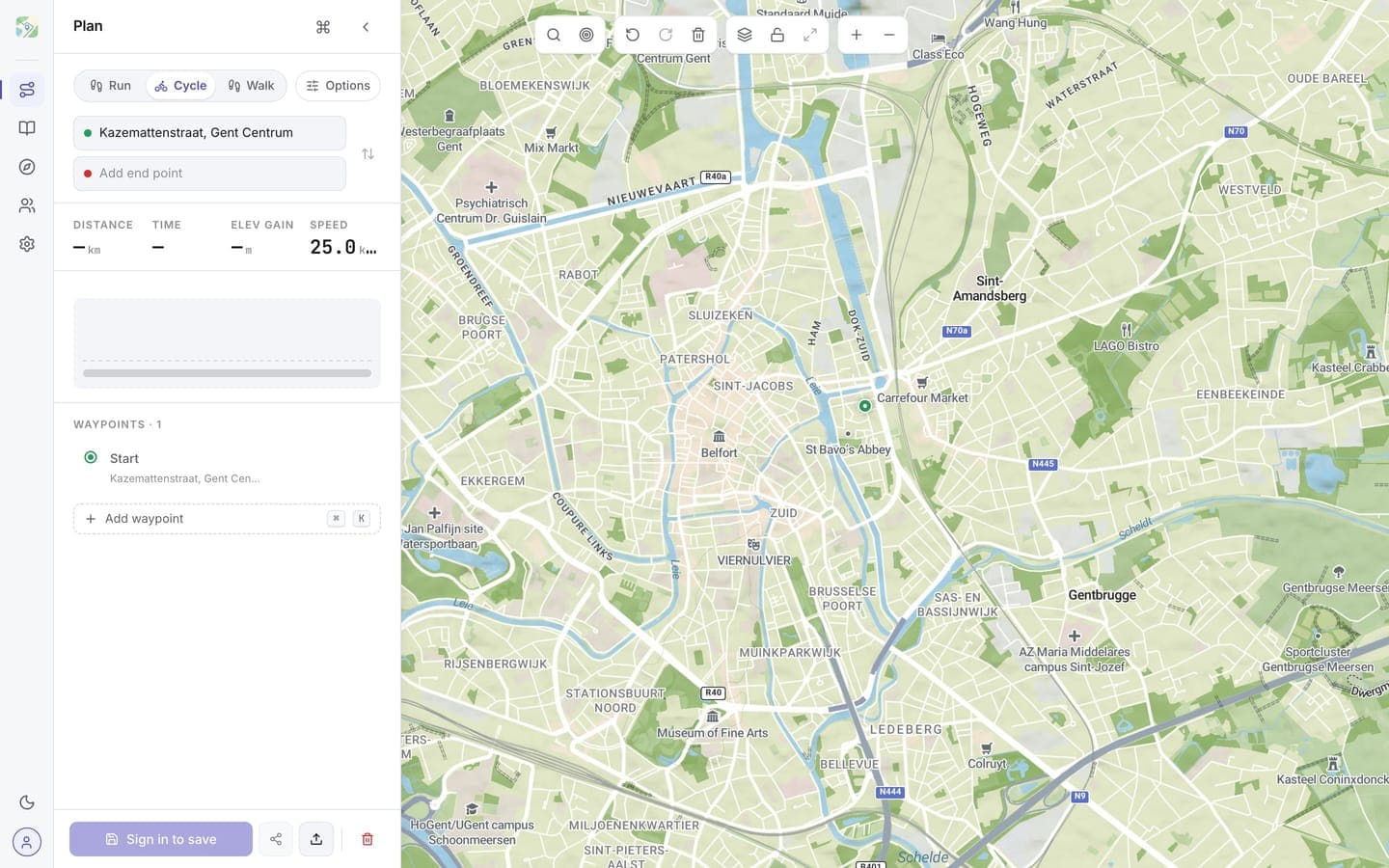
A route is just a list of waypoints. To create one, click anywhere on the map.
- The first click sets your starting point (green marker).
- Each click adds a waypoint (numbered marker).
- routess draws a connecting line between them as you go.
Tips
- Hold and drag when placing a marker for fine adjustments.
- Right-click (or long-press on touch) to remove a waypoint.
- Click an empty area between two waypoints to insert a waypoint in the middle.
No idea where to go? Let routess generate a loop for you instead.
Continue with Editing routes.