
Saving routes
How routess persists your routes across sessions.
The route you're working on is kept in your browser automatically: refresh the page and it's still there, even when you're not signed in.
Saving to your library
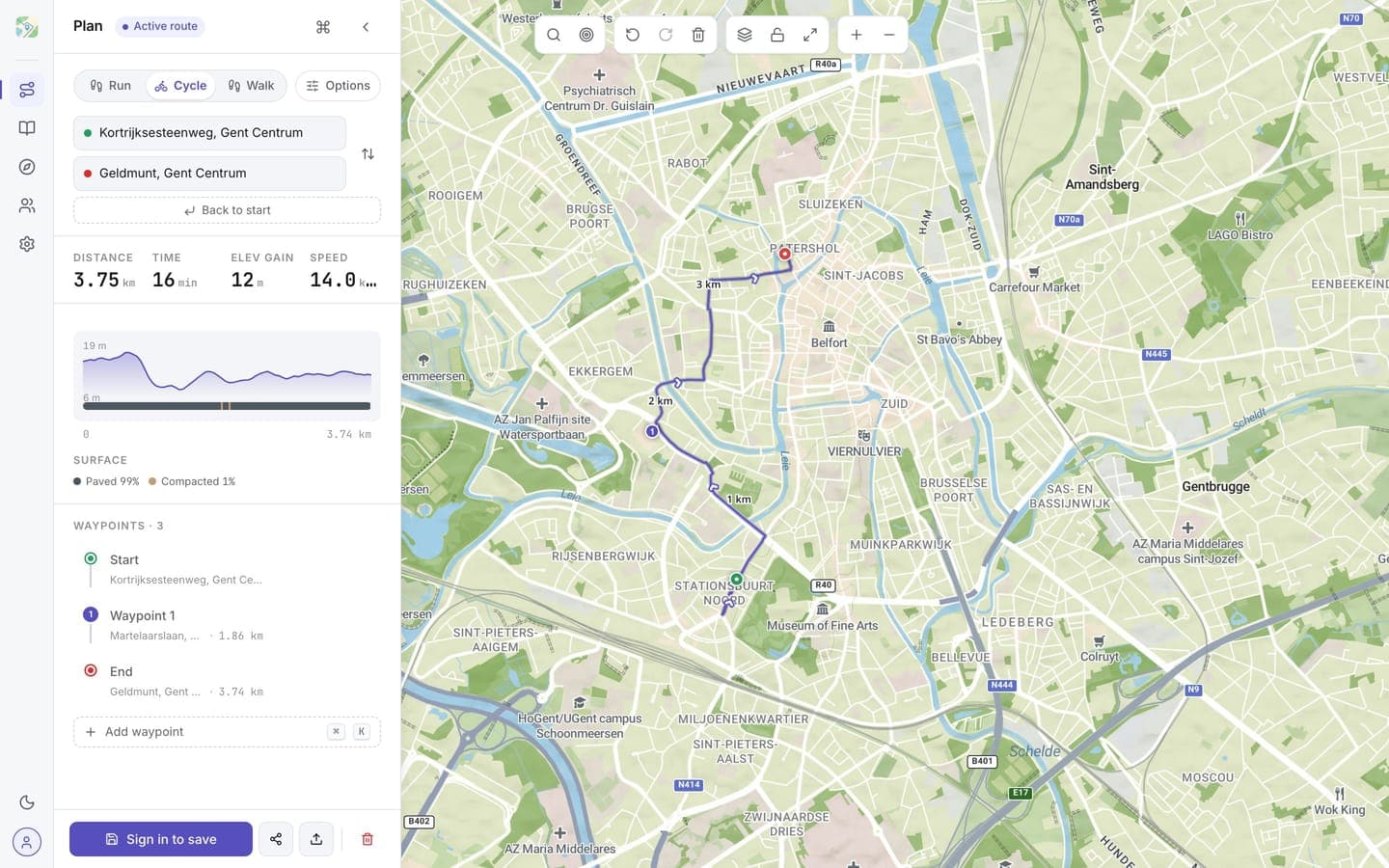
Click Save in the sidebar to store the route in your library with a name and a visibility (private, unlisted, or public). Saved routes are stored in your account and sync across devices.
Once saved, routes live in your library, where you can tag them, favourite them, and group them into collections.
Save a copy
Working from a saved route but want to keep the original? Use Save as copy in the plan sidebar to store your edits as a new route and leave the original untouched.
What if I'm not signed in?
You can still click Save: the route is saved in this browser on this device, with a name and tags, and shows up in your library under Your routes on this device. From there you can open it in the planner, export it as GPX, or delete it. Saving again after opening one updates it instead of making a copy.
Routes saved on the device stay private. They won't follow you to another device and are lost if you clear browser data. Publishing or sharing a route needs a free account. When you sign in (or create an account) on this device, the routes saved here move into your account as private routes and leave the device. If your plan has no room for all of them (free saves up to 5 routes), the rest stay listed under On this device in your library and move the next time you sign in with room to spare.
Removing a route
Click Reset (the trash icon) to clear the current route from the map. To delete a saved route, open it from your library and use its delete action.