
Routes
Importing routes
Bring existing GPX files into routess.
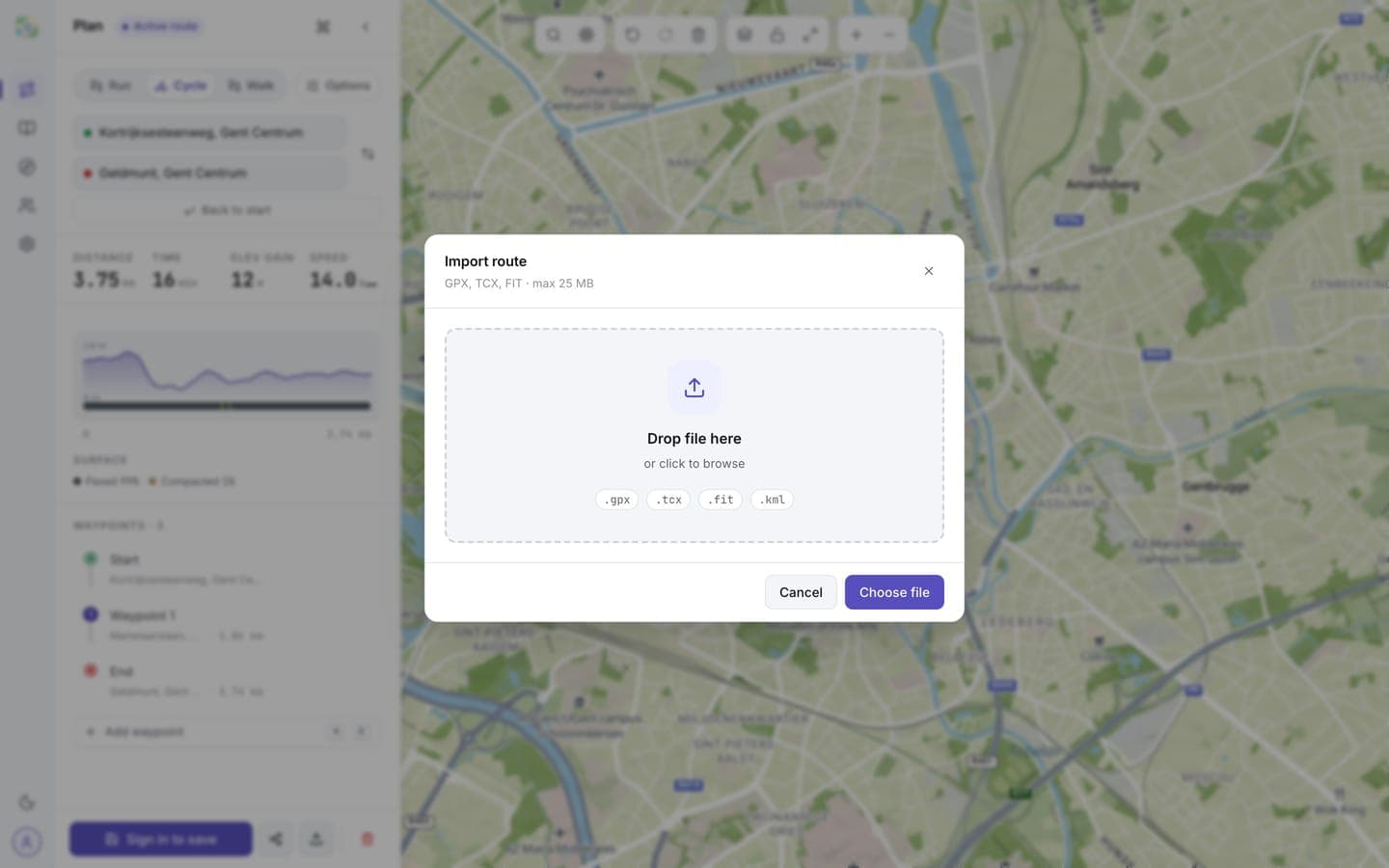
Open Import from the plan sidebar, the library, or the command palette (Ctrl/Cmd + K).
How it works
- Drop a file on the dialog or click Choose file.
- Choose where it goes: Open in planner to review and edit it on the map first, or Save to library to store it directly as a saved route. Signed out, Save to library saves the route on this device; it moves into your account when you sign in.
- routess reads the track and detects the activity type, or you pick one yourself.
Routes saved straight to the library take their name from the GPX file's metadata, falling back to the file name.
Supported formats
GPX is supported today, up to 25 MB. TCX, FIT, and KML are planned; picking one shows a notice until then.
GPX exports from other apps (Strava, Komoot, Garmin Connect, etc.) import fine. The reverse also works: every route in routess can be exported as GPX.