
Routes
Routing preferences
Surface and avoidance preferences that shape how routess routes you.
Open Routing preferences from the sliders icon at the top of the plan sidebar, or through the command palette (Ctrl/Cmd + K). Preferences are saved on your device and applied when you hit Apply.
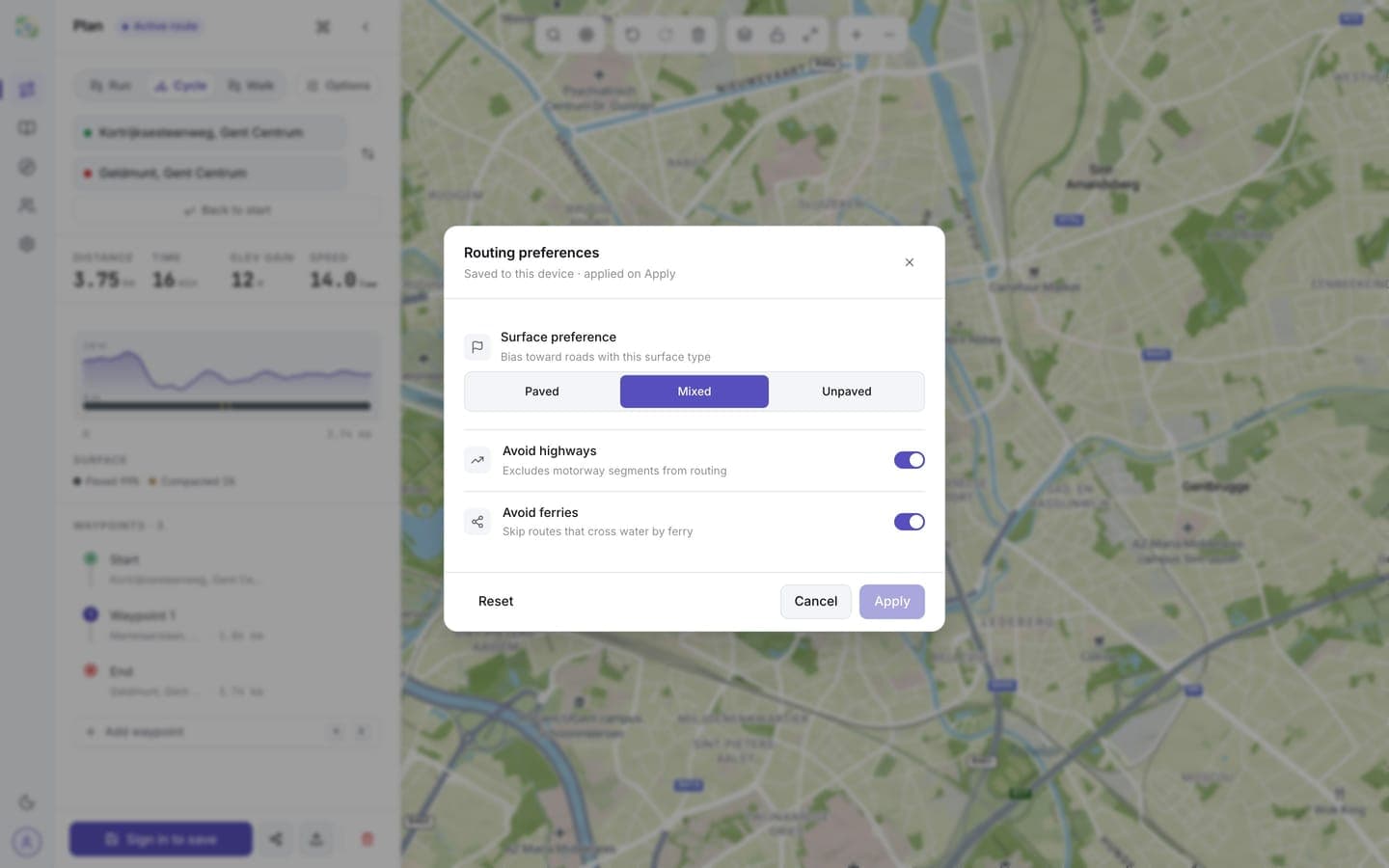
Surface preference
Bias the route toward roads with a surface type:
- Paved: stick to sealed roads, good for road bikes
- Mixed: the default; take whatever connects best
- Unpaved: prefer gravel and trails
When a calculated route can't honour your preference, the route info shows a surface mismatch warning so you know before you head out.
Avoidances
- Avoid highways: excludes motorway segments from routing
- Avoid ferries: skips routes that cross water by ferry
Reset restores the defaults. After Apply, new routes and recalculations use your settings; existing legs aren't changed until you edit them.